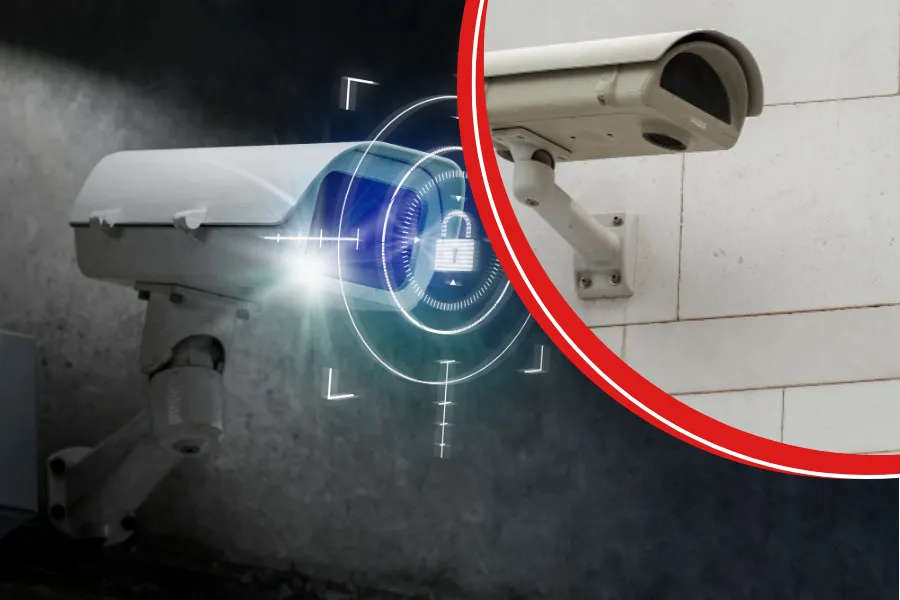
What is a good security camera? A good security camera does three things well:
- It records when it’s supposed to.
- Its footage is clear enough to be useful.
- You can access that footage quickly when you need it.
You might be moving into a new home, expanding your business, or perhaps dealing with the stress of a recent theft. Regardless of the reason, you want clear visibility and the ability to check in quickly using one simple app rather than juggling multiple tools.
This guide is built as a simple decision tool. Whether you own a home or run a business, you can make a confident choice without falling for hype, hidden costs, or unreliable setups.
What Makes a Security Camera Good
A good security camera does three things well: it records when it’s supposed to, the footage is clear enough to be useful, and you can pull it up quickly when something happens without babysitting the system.
Here’s what “good camera” looks like:
- Reliable recording: It stays connected and keeps recording, so you’re not staring at a “camera offline” message when you need a clip.
- Clear, usable video: You can recognize a face, read body language, and understand what happened, not just see a moving blur.
- Night performance you can trust: If it falls apart in low light, it’s basically a daytime camera. Night footage has to hold up.
- Storage that matches how you live/work: You can rewind far enough to find the moment days or weeks back, not just whatever hasn’t been overwritten yet.
- Secure access: Strong logins, updates, and basic security settings keep your cameras from becoming the weak spot.
- Easy to expand: Add another door, another area, even another location, and it still feels organized instead of turning into a mess.
Let’s now take a detailed look at what to consider when choosing the right camera (or system) for your space.
1: Decide if you need one camera or a full security camera system
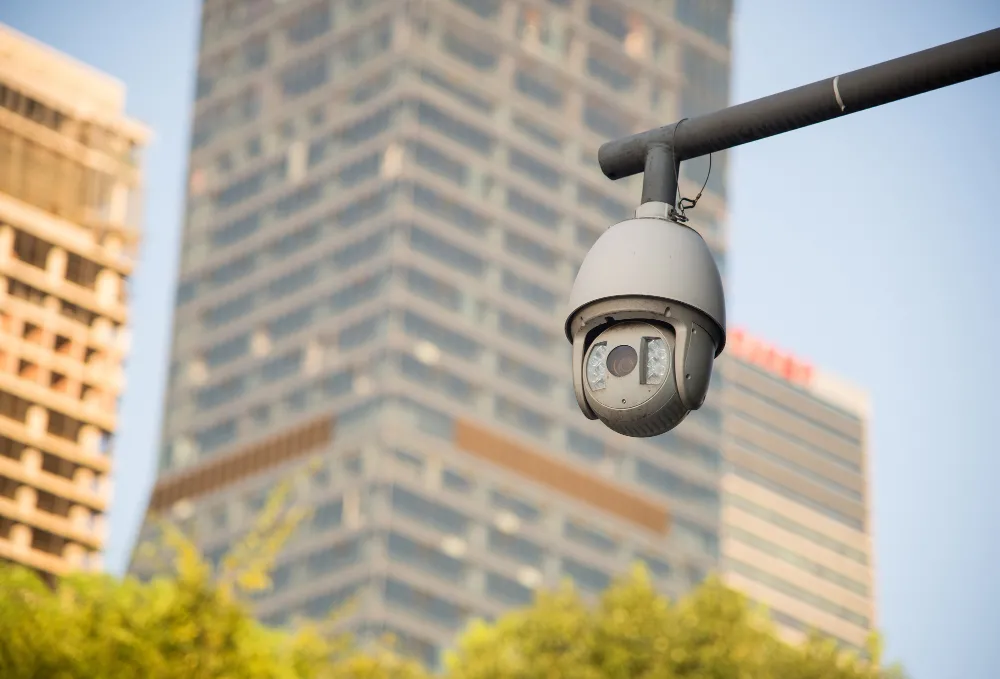
This is where most buying mistakes happen. People often buy a single camera when they really need a system, or get a full system when just one camera would do.
When a single camera is enough
One camera is a good choice when you’re trying to solve one clear problem, like:
- Keeping an eye on the front door for deliveries
- Watching the driveway
- Covering a back gate
- Monitoring a single office entrance
It’s the right move if you just want quick visibility and you’re not planning to share access with a bunch of people, store footage for weeks, or spend time reviewing clips.
When you should choose a system
A system starts making sense when you need more than a single viewpoint like when you want:
- Coverage from multiple angles (entry points, perimeter, and important indoor areas)
- Footage saved long enough to actually be useful later (common for businesses)
- Shared access that’s organized (owner, manager, staff, everyone doesn’t need full control)
- Everything is handled in one app, not scattered across different logins.
- A setup you can grow into if you expand, renovate, add employees, or move to shift work
2: Choose the connection type that matches your environment
Most people think reliability comes from buying a “better brand.” In reality, reliability usually comes from choosing the right connection type.
Wired / PoE
If you want stability, wired is the best choice, especially for businesses.
- Best for: offices, retail, warehouses, and homeowners who want to “set it and forget it.”
- Why it works: stable power and a steady connection mean fewer dropouts and missed clips.
- What to know: installation is more involved, but it’s often the best long-term choice.
Wi-Fi plug-in
This option is a middle ground. It’s easier to set up than wired cameras and more dependable than battery-powered ones.
- Best for: homes and small offices with strong Wi-Fi coverage
- Why it works: simple installation and consistent power
- Common problem: dead zones and overloaded networks can cause lag or missed events
Battery cameras
Battery cameras are convenient, but they are rarely the best choice if you need constant coverage.
- Best for: temporary coverage, rentals, quick add-ons
- Common problem: batteries die at the wrong time, and high-motion areas drain them fast
Here’s a quick rule: if you want to never miss a moment, wired or PoE is usually the safest choice. If you need fast coverage with easy setup, Wi-Fi or battery cameras may work better. Just be clear about what to expect.
3: Use this buying checklist to avoid disappointment

You don’t need to worry about every technical detail. Focus on the features that really make a difference.
1) Video clarity that supports identification
Ask yourself: “Do I need to identify someone, or just know that motion happened?”
Identification requires more clarity, better positioning, and often better lighting.
2) Night performance in your real lighting
Night vision isn’t one-size-fits-all. A camera can look great in marketing images and struggle in:
- dark driveways
- parking lots
- back alleys
- mixed lighting near street lamps
3) Field of view vs detail
A super-wide view covers more area, but it can reduce important details.
A better approach is often:
- wider coverage for general areas
- tighter views for entrances and high-value points
4) Storage and retention that match your needs
This is where hidden costs can appear. Decide how long you want to keep footage before you buy:
- 7 days: basic review
- 14–30 days: common for homes and many businesses
- 60–90 days: useful for compliance, multi-location, or high-risk environments
Also decide how storage works:
- local recording (more control)
- cloud storage (often recurring fees)
- hybrid (mix of both)
5) Alerts you won’t ignore
If alerts are too frequent, you’ll probably mute them and then miss something important.
Look for:
- motion zones
- adjustable sensitivity
- meaningful notifications (not constant spam)
6) Security and privacy basics
This is simple, but it matters:
- Enable MFA if available
- Use unique passwords (never default)
- Keep firmware updated
A “good” camera that isn’t properly secured can become a risk instead of offering protection.
4: Match the setup to your scenario (homeowners vs businesses)
This is the easiest way to quickly pick the right approach.
Homeowners:
Your best system is the one you’ll actually use. Focus on:
- entry points (front door, garage, backyard access)
- reliable alerts
- storage that fits travel/delivery habits
- one-app viewing and quick playback
If you’re searching for what is a good home security camera, this is usually the best balance: simple, reliable coverage without making things too complicated.
Small businesses:
Businesses usually need:
- multiple camera angles (especially entry + registers + stock areas)
- longer retention
- clean access sharing (owner vs managers)
- dependable recording during busy hours when Wi-Fi is under stress
If you’re searching for a good security camera system, this is when full systems start to make more sense than single cameras.
Larger spaces or multi-site:
For warehouses, schools, and multi-site operations, “good” means:
- scalable architecture (adding cameras doesn’t break usability)
- structured access control
- longer retention
- reliable uptime
Professional system design at this stage helps you avoid a patchwork of mismatched cameras later.
Final Words
Now you know what really matters in a good security camera. It records when it should, the footage is clear especially at night, and you can pull up what you need without getting frustrated by the app.
If you would rather not figure it all out on your own, Elite Security Alarm Systems is here to help. We can recommend a setup that fits your home or business, whether you need a straightforward camera installation or a full system with monitoring.
When you’re ready, contact us to get a free quote or call 305-245-5266.
Frequently Asked Questions
Where should I place security cameras?
Cover choke points: front/back doors, garage, driveway/parking, and side gates. Mount high for tamper resistance, angled to capture faces.
Do I need two-way audio or a siren?
Only if you’ll use it. Two-way audio helps with deliveries/deterrence; sirens can scare off threats but may annoy you with false alerts.
Will cameras work during a power outage?
Not unless you plan for it. Use a UPS for your router/recorder and consider setups that keep recording locally even if the internet drops.