
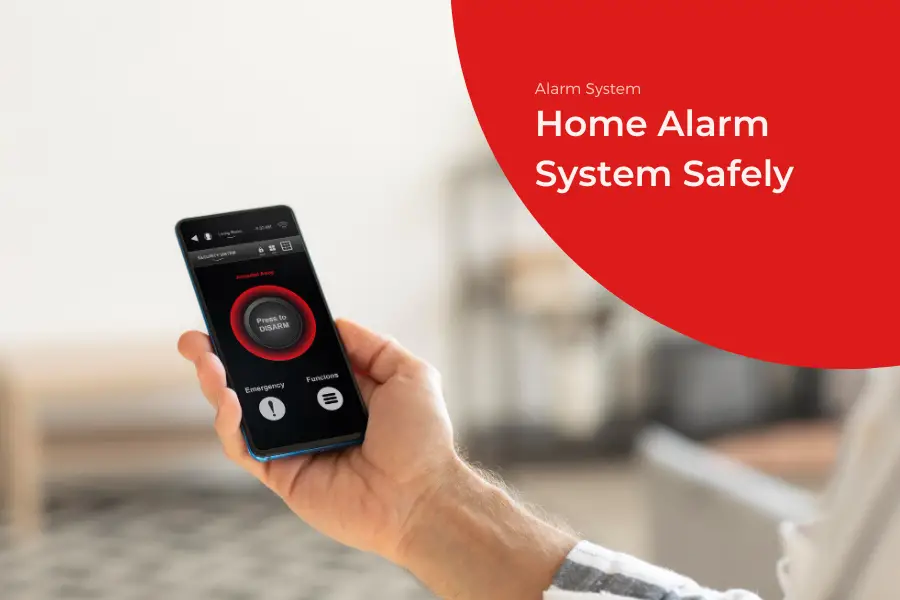
Few things are more frustrating than a loud alarm going off for no reason. The constant noise can quickly become distracting and make it difficult to focus. You just want to stop the sound as quickly as possible.
But if you pull the wrong wires, you could damage the system or prevent it from shutting down properly, which may keep the alarm active and lead to an automatic alert being sent to your monitoring service or the police.
However, modern home security systems are more sophisticated than they used to be. Most systems have multiple ways to keep the alarm going, even if you think you’ve cut the cord. If you often find yourself dealing with situations like this, it’s best to understand the proper shutdown steps instead of trying to disconnect wires in frustration.
In this post, we will show you how to handle such a situation. We will explain how to turn off fire alarm at home without causing more problems. We will also talk about how to turn off home alarm when the keypad is stuck. Let’s get started.
Know your Alarm First
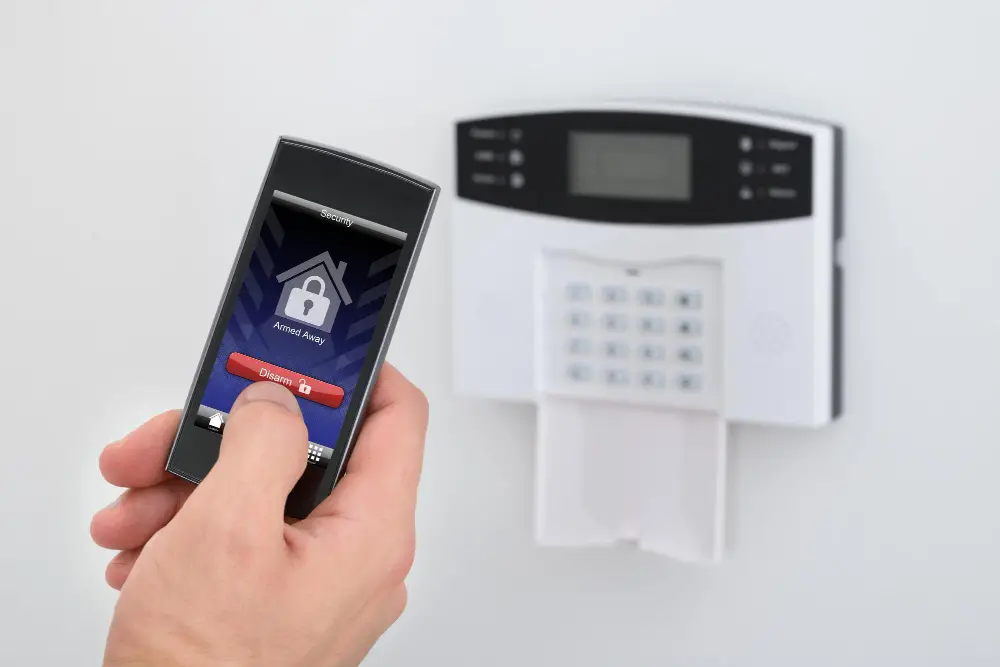
Every alarm system works a little differently, so understanding what type you have matters before you try to turn it off. Older wired alarms respond very differently from modern smart systems. So, when you use the wrong method, it can:
- Trigger backup alarms
- Damage internal parts
- Create a short circuit
A quick look at your alarm panel or control app can save time and stress. When you know where the correct buttons and power sources are, you can avoid accidental mistakes.
Common Types of Home Alarms
There are three main types of alarms you will usually find in a house. Each one has a different way of alerting you.
- Conventional Fire Alarms
These are simple systems. They divide your home into zones. If a fire starts in the kitchen, the panel indicates which area is affected. - Addressable Systems
These alarm systems are even smarter, with each sensor assigned its own label. As a result, the control panel can identify the exact device triggering the alert, such as the smoke detector in the guest bedroom. - Wireless Security Systems
These are very common now. They don’t use many wires and mostly connect to your home Wi-Fi and your phone.
Main Parts of the Home Alarm System
To fix an alarm, you need to know what you are looking at. Most home systems have four main pieces that work together.
1. Control Panel: This is the central unit of the system. It is typically installed in a cupboard, utility room, or garage in a hidden box form.
2. Keypad: This is what you touch to type in your code. It is often near the front door.
3. Sensors: These are the small devices on the walls or ceilings that detect smoke or movement.
4. The Siren: It makes a loud noise to alert you.
How to Turn Off a Fire Alarm at Home
If your alarm is sounding and there is no sign of fire, it is likely a false alarm, but you still need to act quickly. Here’s the safest way to turn off a fire alarm at home without causing further issues.
1. Safety Steps Before You Start
Before you touch anything, make sure there is no real fire. Check for smoke or the smell of burning plastic. If everything looks safe, tell everyone in the house that it is a false alarm so they don’t panic. If the noise is too loud, wear headphones or earplugs to think clearly while you work.
2. Find Your Control Panel
Next, locate the main hub of the system. While the keypad is on the wall, the actual power usually comes from a control box. Look in your utility room or basement. You need to be near this box if the keypad stops working or if you need to cut the power completely.
3. Enter Your Code and Disarm
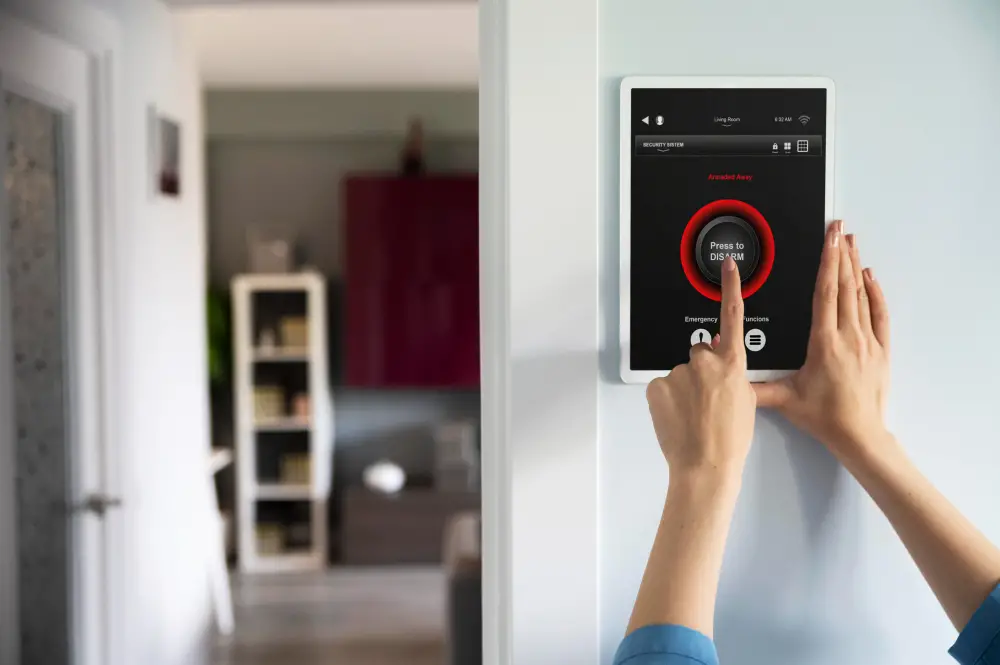
When you reach the main hub, press the keypad and enter your 4-digit master code. In most cases, this code will stop the alarm immediately. If the screen displays a message such as “Reset” or “Clear,” you may need to re-enter the code to fully silence the system.
If your system is connected to a mobile app, you can also disarm it directly from your phone. Using the app is often quicker and can be useful if the wall keypad is not responding.
4. Cut the Power If Needed
If the code does not work, you may need to shut off the power to the system. First, find the transformer. It is a small block plugged into a nearby wall outlet. Unplug it.
Next, open the main control panel box. You will see a large battery inside. Pull one of the wires (red or black) off the battery. Once both the plug and the battery are disconnected, the noise will stop.
Read More: Fire & Life Safety Systems
What to Do After Turning Off Your Alarm
Once the house is quiet, you should not just ignore the problem. Alarms usually go off for a reason, even if there is no fire.
Check Everything Works Properly
Check your sensors for dust or small bugs. Sometimes a spider web inside a smoke detector can trigger a false alarm. Clean the sensors with compressed air. Then, plug the system back in and see if it stays quiet.
When You Need Expert Help
If the system keeps beeping and shows a “Low Battery” trouble light, you might need a professional. Do not attempt to disassemble the entire panel if you are unsure about the procedure. If you cannot get that trouble light to turn off, call a technician to check the wiring.
Final Thoughts
When you try to turn off the alarm system, always confirm there’s no actual danger first, then try your keypad code. If that fails, cutting the power source will bring back the silence you need.
Keep your alarm system in good shape by cleaning sensors regularly and swapping out old batteries. These small efforts prevent most nuisance alerts and keep your home security working when it matters.
Experiencing ongoing issues with your current system? Elite Security Alarms can help you find a reliable solution that fits your home perfectly. Reach out to our team for professional guidance and installation services that give you real peace of mind.
FAQs
Why does my alarm beep every 30 seconds?
This typically indicates that the backup battery is low. You can try to silence it by pressing the Reset button on your keypad, but you will likely need to buy a new battery soon to stop it for good.
Can I turn off the alarm if I forgot my code?
If you forgot the code, the best way to stop the alarm is to use the mobile app if you have one. If not, you may need to unplug the transformer and disconnect the backup battery in the main panel to silence it.
Is it safe to leave my alarm unplugged?
It is fine for a short time while you fix a problem. But remember, your home is not protected while it is off. Always try to get it back online as soon as you can.